
Top section
How to launch a resident-ready HOA website
A community website should answer common questions, route residents to the right portal, and reduce the board inbox.
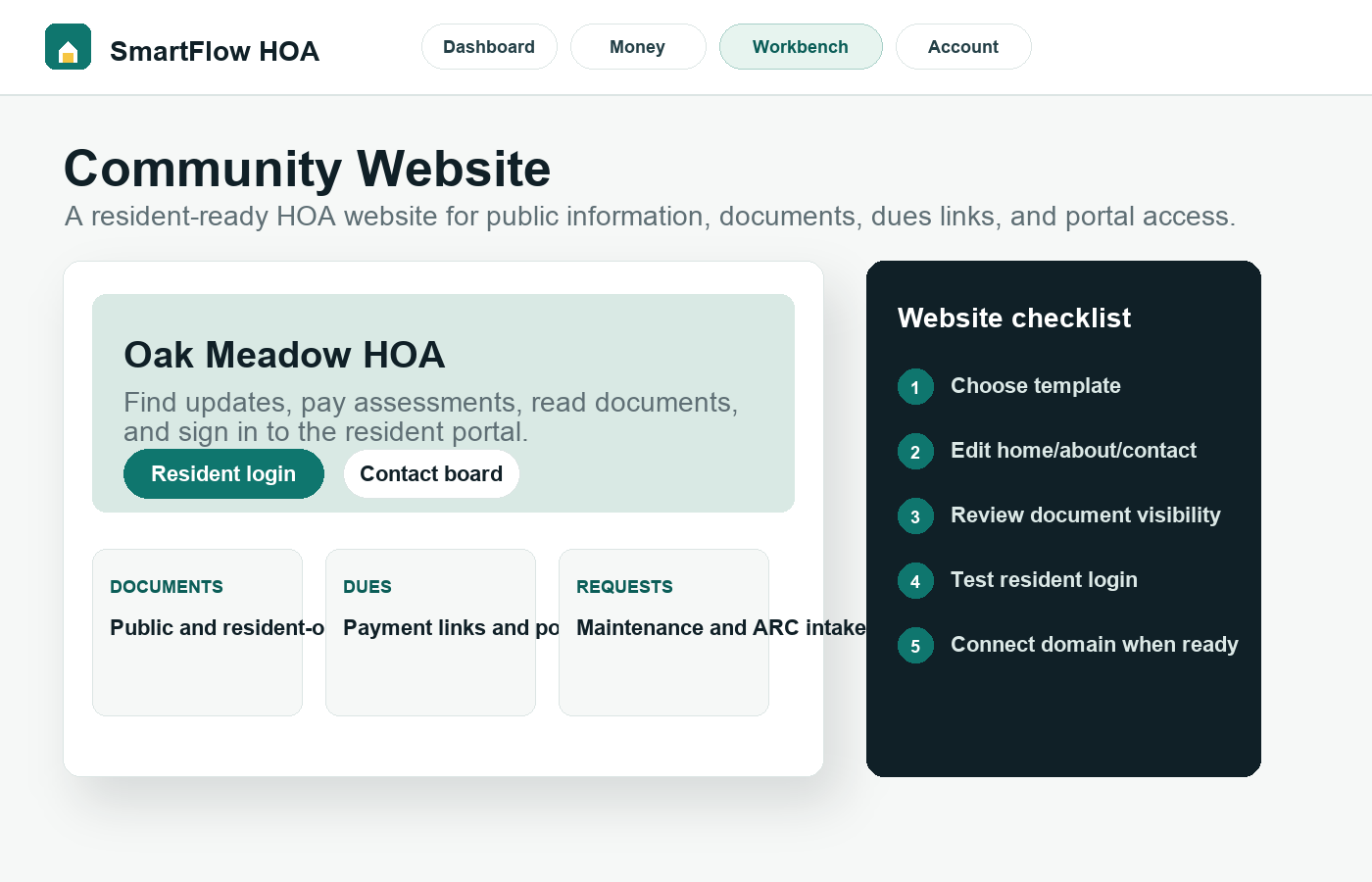
What this helps you do
Expected outcome
- The HOA has a clear public home for dues links, documents, contacts, and requests.
- Owners and renters are routed to the resident portal instead of the board dashboard.
- Template previews stay safe while the board reviews copy, images, and privacy.
- Public pages support trust, SEO, and resident self-service.
Step-by-step tutorial
Follow the workflow in order.
Each step is written for board members who need to understand what to do and why it matters.
Choose a template based on community behavior
A condo tower needs different navigation than a townhome row or lake association. Pick the structure that matches what residents ask for most: notices, move-in details, parking, documents, dues, ARC, or seasonal rules.
Write the homepage around resident actions
The homepage should make the next action obvious. Use direct labels such as Pay dues, Read documents, Submit request, Contact the board, and Resident portal. Avoid vague welcome text that does not help anyone act.
Connect documents with visibility rules
Public governing documents can appear on the website. Resident-only or board-only files should stay behind the proper access controls. The board should review visibility before connecting a domain.
Use the contact page for cleaner intake
A real contact page helps visitors reach the board without exposing private records. Residents with account-specific questions should be guided into the portal, where their request can stay tied to their unit.
Publish only after reviewing privacy and indexing
Preview first. Check mobile, desktop, links, resident login, documents, images, and placeholder content. Keep trial or demo pages noindexed until the board is ready for public search visibility.
Why this workflow sells
A strong HOA website turns SmartFlow HOA into a 24/7 resident self-service desk, not just an internal admin tool.
Related tutorials
Keep the workflow connected.
The best setup path connects records, residents, payments, documents, and board activity instead of treating each task alone.