
Most useful tool
How to import owners, renters, and units without duplicate data entry
A clean import is one of the fastest ways to make dues, resident portals, requests, and communications work together.
What this helps you do
Expected outcome
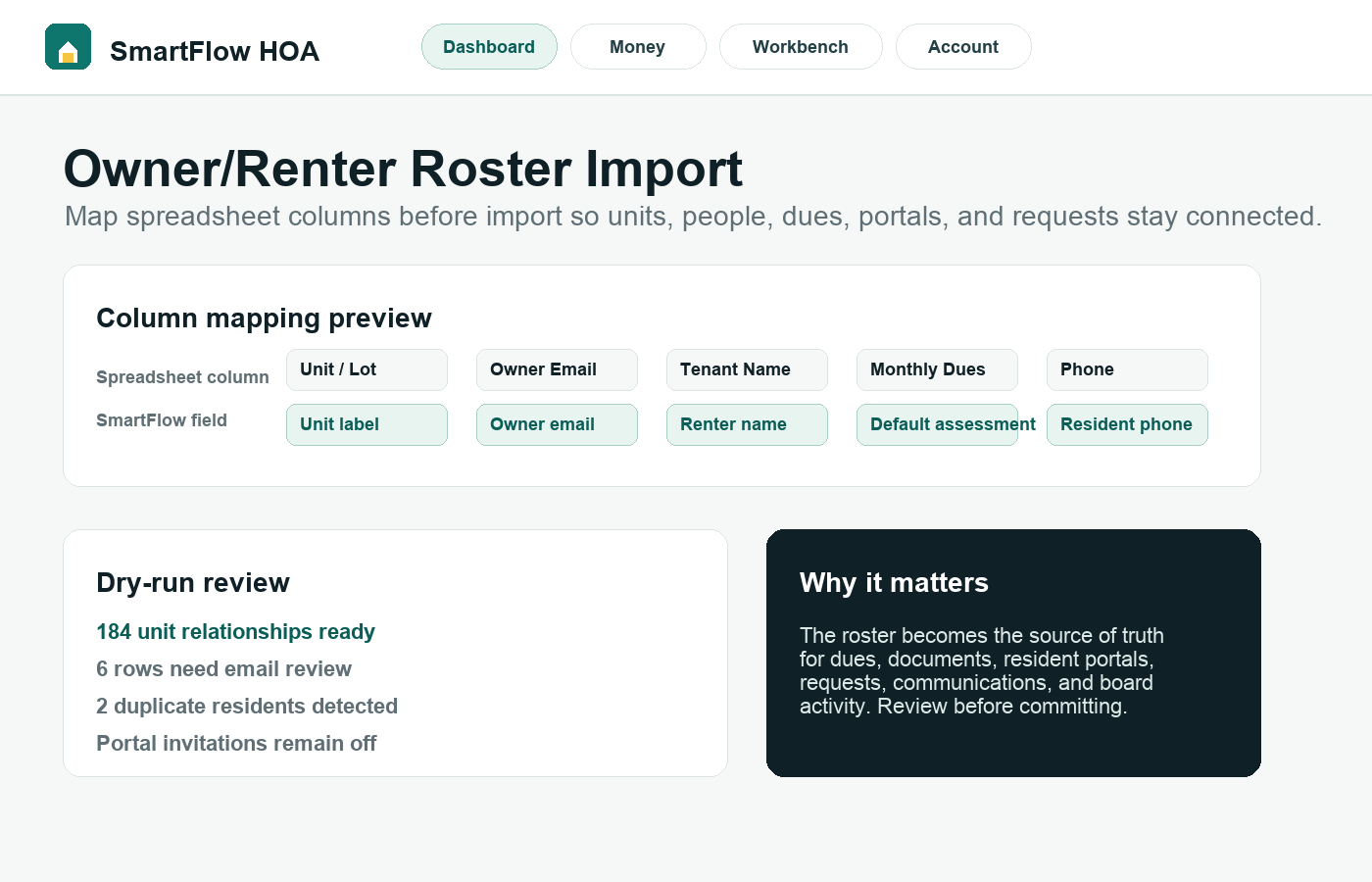
- Units, owners, renters, emails, phones, and default dues can be mapped before import.
- Resident portal access can reference existing unit relationships.
- The board reduces duplicate entry across dues, requests, documents, and communications.
- Import review catches missing or mismatched fields before records are committed.
Step-by-step tutorial
Follow the workflow in order.
Each step is written for board members who need to understand what to do and why it matters.
Clean the spreadsheet before upload
Remove blank rows, merged cells, duplicate headers, unrelated notes, and old owners who should not receive access. A clean spreadsheet prevents bad records from spreading into dues and communications.
Upload and map columns intentionally
Use the mapping step to tell SmartFlow HOA what each spreadsheet column means. Map unit, owner name, owner email, renter name, renter email, phone, mailing details, and default dues fields instead of relying on column order.
Review the dry run before committing
The preview step is where mistakes should be caught. Look for missing unit labels, duplicate emails, owners marked as renters, renters marked as owners, and rows that need manual review.
Connect access only when the board is ready
Importing people does not mean everyone should immediately receive portal access. Confirm the roster, dues, documents, and website instructions before sending invitations.
Use the roster as the source of truth
After import, keep changes in SmartFlow HOA so dues, communications, requests, documents, and resident portal permissions stay connected. Avoid maintaining a second spreadsheet as the unofficial real record.
Why this workflow sells
This tool creates the foundation for the product’s value: one HOA record that dues, portals, requests, documents, and communication can all use.
Related tutorials
Keep the workflow connected.
The best setup path connects records, residents, payments, documents, and board activity instead of treating each task alone.