
Top section
How to collect HOA dues online in SmartFlow HOA
Use this tutorial to move assessment collection out of spreadsheets and into a board-reviewed workflow residents can understand.
What this helps you do
Expected outcome
- Recurring dues are tied to units instead of a loose spreadsheet.
- Residents know where to review open charges and payment history.
- The board can review reminders before anything official goes out.
- Treasurers can export payment records for board or accountant review.
Step-by-step tutorial
Follow the workflow in order.
Each step is written for board members who need to understand what to do and why it matters.
Open Dues & Payments from Money
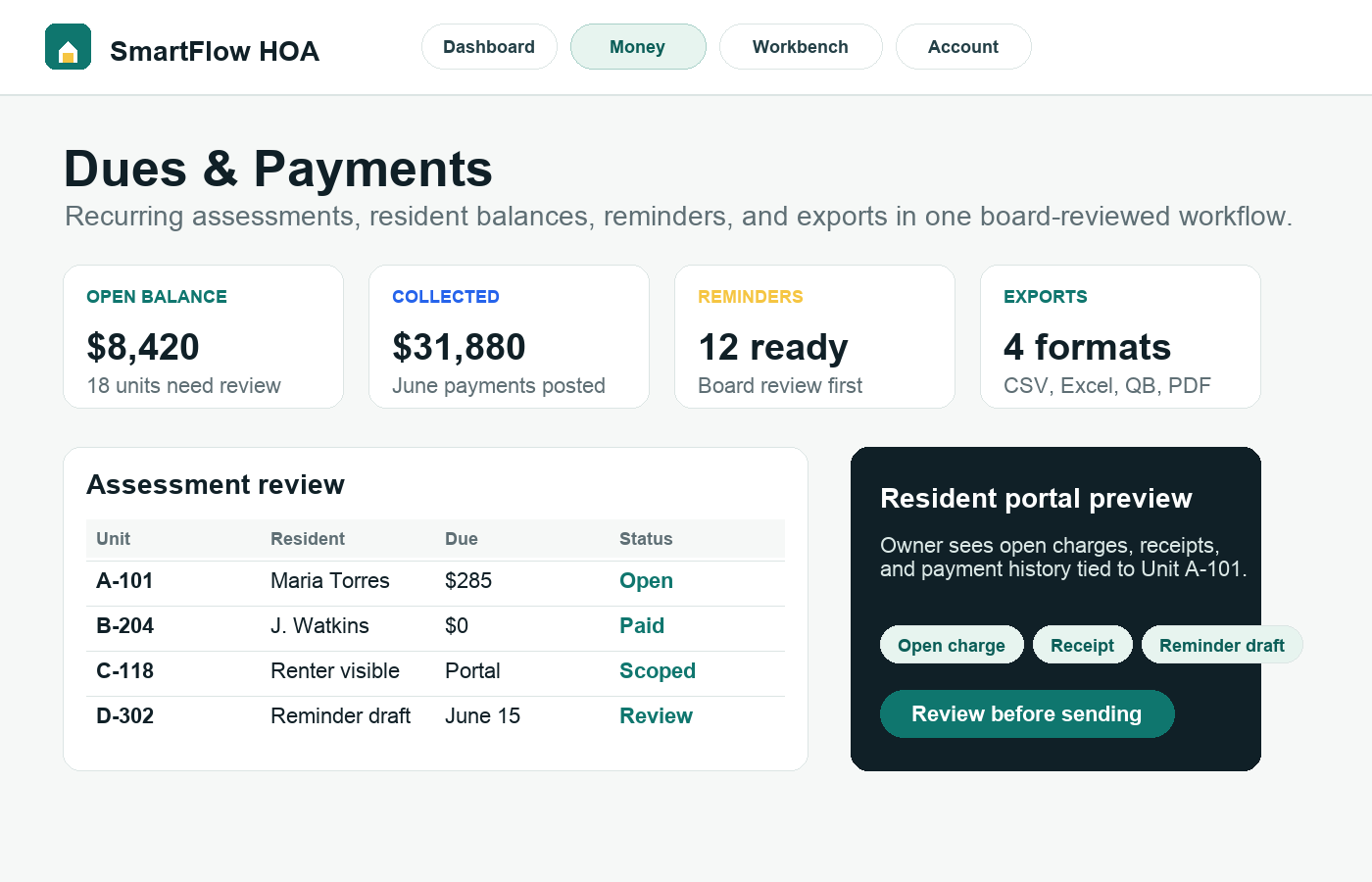
Start from the dashboard navigation and open the Money menu. Choose Dues to see assessments, balances, payment readiness, reminders, and exports in one place. This keeps the treasurer from jumping between resident records, payment links, and spreadsheets.
Create or review the recurring assessment
Use the assessment form for the normal monthly, quarterly, or annual charge. Keep the name plain, such as Monthly Assessment or Annual Dues. Set amount, due day, cadence, grace period, late-fee logic, and active status based on board-approved policy.
Generate charges only after the roster is ready
Before creating charges, check that active units are present and the right residents are connected. SmartFlow HOA is designed so dues, resident access, requests, and board activity can reference the same unit record instead of requiring duplicate data entry.
Review balances before sending reminders
Use the dues dashboard to review open, partial, overdue, and paid records. Prepare reminders only after the board is comfortable with the amounts and recipient list. This is especially important before late fees or collection language appears in a message.
Export clean records when the board asks for proof
Use CSV or spreadsheet exports for meeting packets and accountant questions. Exported records should match the date range and filters the board reviewed, so the next treasurer can understand what happened.
Why this workflow sells
This workflow sells because residents feel less confused and treasurers stop rebuilding the same balance report every month.
Related tutorials
Keep the workflow connected.
The best setup path connects records, residents, payments, documents, and board activity instead of treating each task alone.