
Top section
How to manage requests, violations, and ARC reviews
Move resident follow-up out of inbox threads and into structured records the board can review later.
What this helps you do
Expected outcome
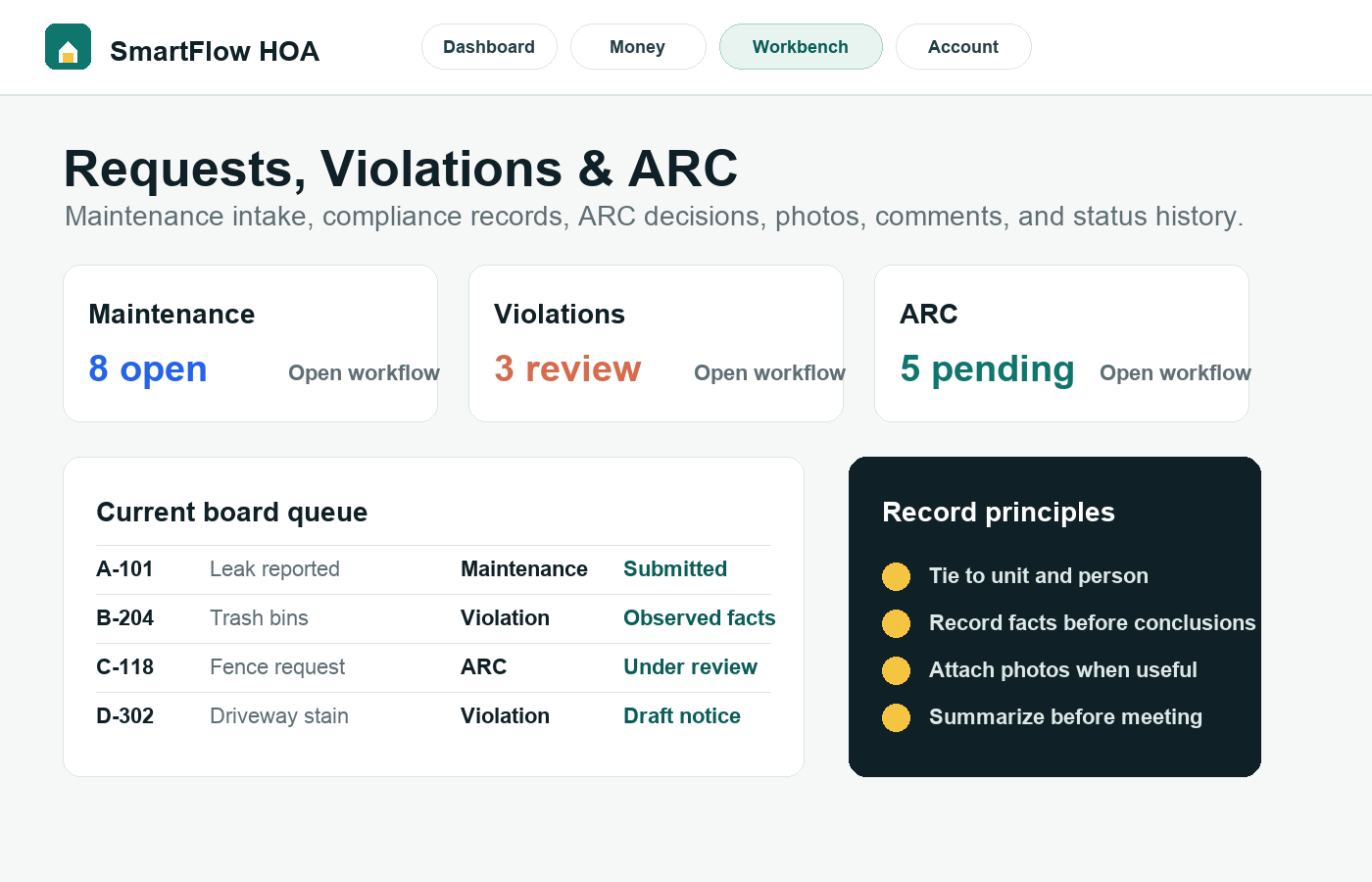
- Maintenance requests show status, comments, photos, and resident context.
- Violation records capture observed facts before notices or fines.
- ARC requests stay tied to owner submissions, decisions, and board notes.
- SmartFlow AI can summarize records for board review without taking official action.
Step-by-step tutorial
Follow the workflow in order.
Each step is written for board members who need to understand what to do and why it matters.
Choose the right workflow first
Use maintenance for service or repair intake, violations for possible rule issues, and ARC for architectural or exterior change reviews. Choosing the right workflow keeps reporting and history cleaner.
Tie the record to the right unit and person
Records are more useful when they connect to the resident and unit involved. If the person is missing, update the roster first instead of writing a loose note that future board members cannot trace.
Write facts before conclusions
For violations especially, record what was observed, when, where, and which rule area should be reviewed. Avoid language that sounds like a final board decision before the proper process happens.
Use comments and photos for continuity
Photos, board comments, resident replies, and status changes help the next reviewer understand what changed. This is much stronger than leaving the history in personal email accounts.
Summarize before the meeting
SmartFlow AI can summarize request facts or draft a resident response for board review. It cannot approve, deny, fine, send an official notice, or close a matter without a board user taking action.
Why this workflow sells
This workflow builds confidence because the board can show a consistent record instead of relying on memory.
Related tutorials
Keep the workflow connected.
The best setup path connects records, residents, payments, documents, and board activity instead of treating each task alone.