
Top section
How to organize HOA documents without exposing private files
Documents are useful only when residents can find the right ones and private board records stay protected.
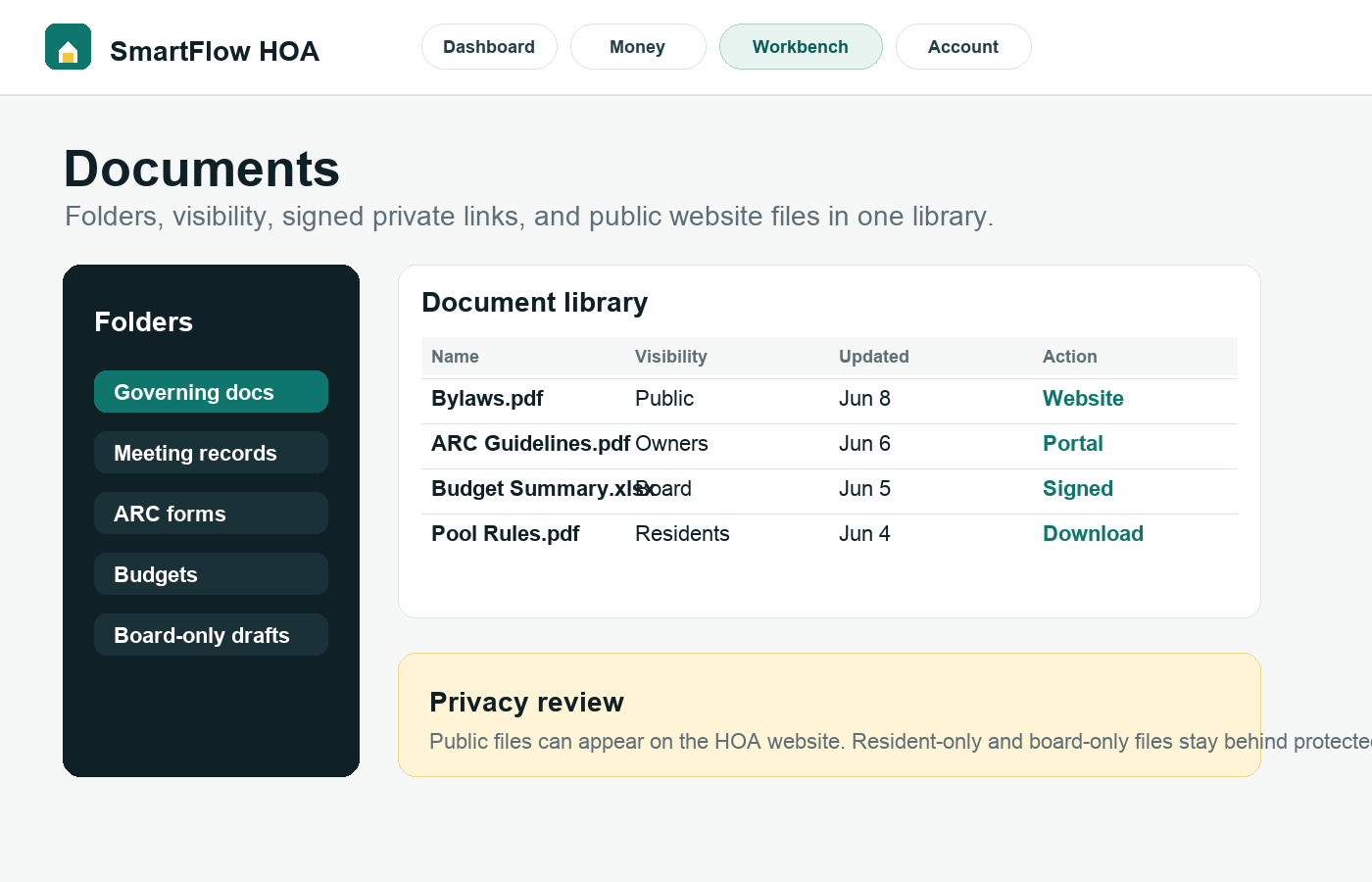
What this helps you do
Expected outcome
- Files are grouped by clear folders and board-friendly labels.
- Public, resident-only, owner-only, renter-only, and board-only visibility is easier to review.
- Signed private links and downloads stay protected.
- Residents can find approved documents without emailing the board repeatedly.
Step-by-step tutorial
Follow the workflow in order.
Each step is written for board members who need to understand what to do and why it matters.
Create folders around resident questions
Good folders reduce support questions. Use labels residents recognize: Governing documents, Meeting records, ARC guidelines, Budgets, Forms, Policies, and Community notices.
Choose visibility before uploading sensitive files
Do not treat every document the same. Some documents belong on the public website; some belong behind resident login; some should remain board-only. Visibility should be decided before the board shares links.
Use descriptions that explain when to use the file
A short description is often more helpful than a long filename. Tell residents whether the file is a rule, form, board packet, draft, policy, or historical record.
Review signed links and downloads
Private files should use protected routes and noindex headers. The board should avoid posting private links publicly and should test downloads from the intended role before launch.
Keep the library board-handoff ready
The next secretary should know what is current, archived, public, private, and resident-facing. Use archive actions instead of deleting meaningful records.
Why this workflow sells
Document clarity is sticky: once residents trust the document library, they stop asking the board to resend the same files.
Related tutorials
Keep the workflow connected.
The best setup path connects records, residents, payments, documents, and board activity instead of treating each task alone.