
SmartFlow HOA tutorials
Learn the workflows that make the board workspace useful fast.
These tutorials show how the most important SmartFlow HOA sections work together: dues, accounting reports, the community website, documents, requests, SmartFlow AI, and owner/renter roster import.
Why tutorials
Show the board what the software does before they feel lost.
HOA software converts better when boards can picture the everyday flow. Each guide explains what to prepare, where to click, what to review, and why the workflow matters for residents and future board members.
Top sections
The five workflows most boards should learn first.
Start here when a board wants to see how SmartFlow HOA becomes useful during the first month.
Top section
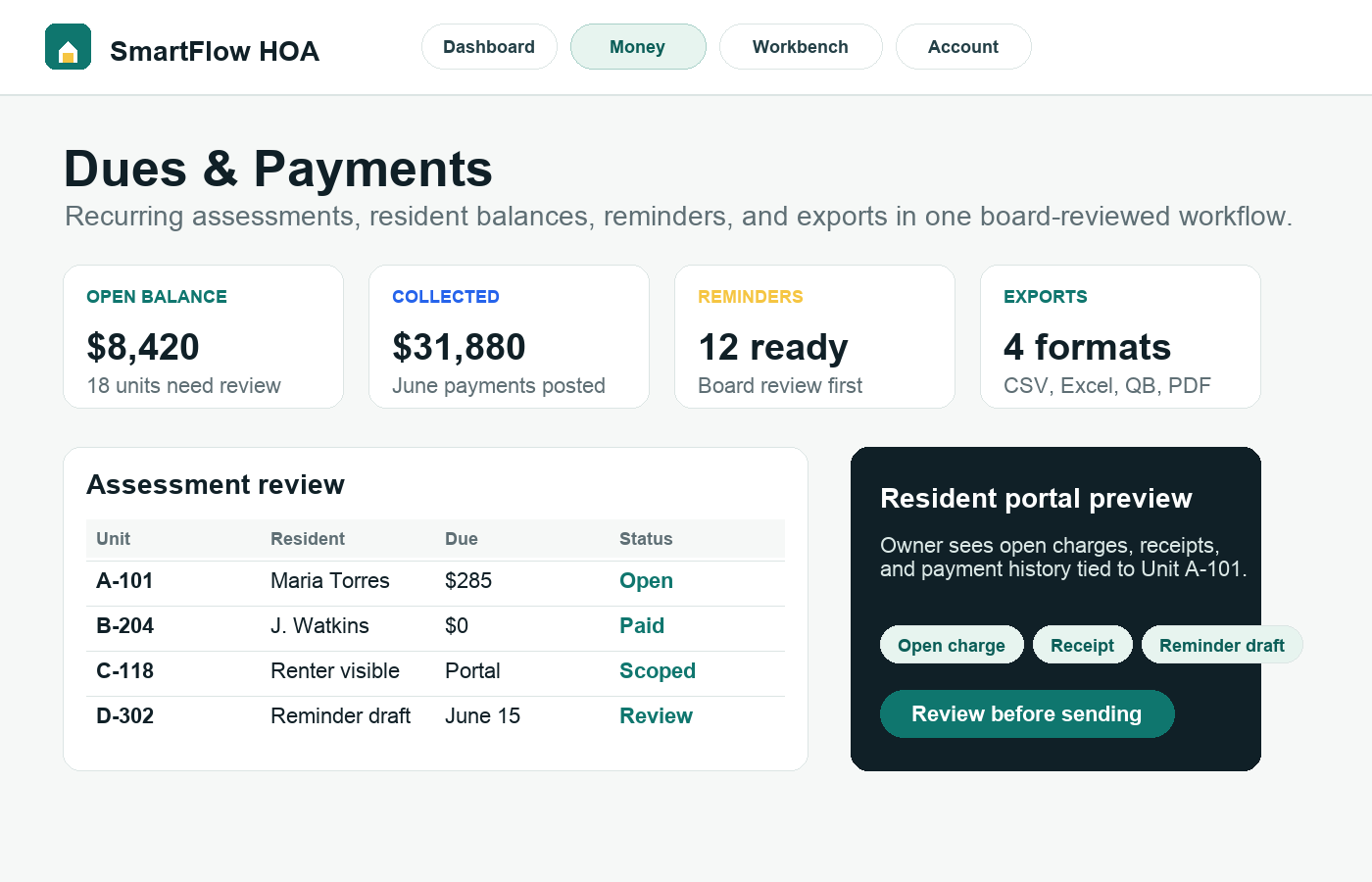
Dues & Payments
Use this tutorial to move assessment collection out of spreadsheets and into a board-reviewed workflow residents can understand.
Read tutorial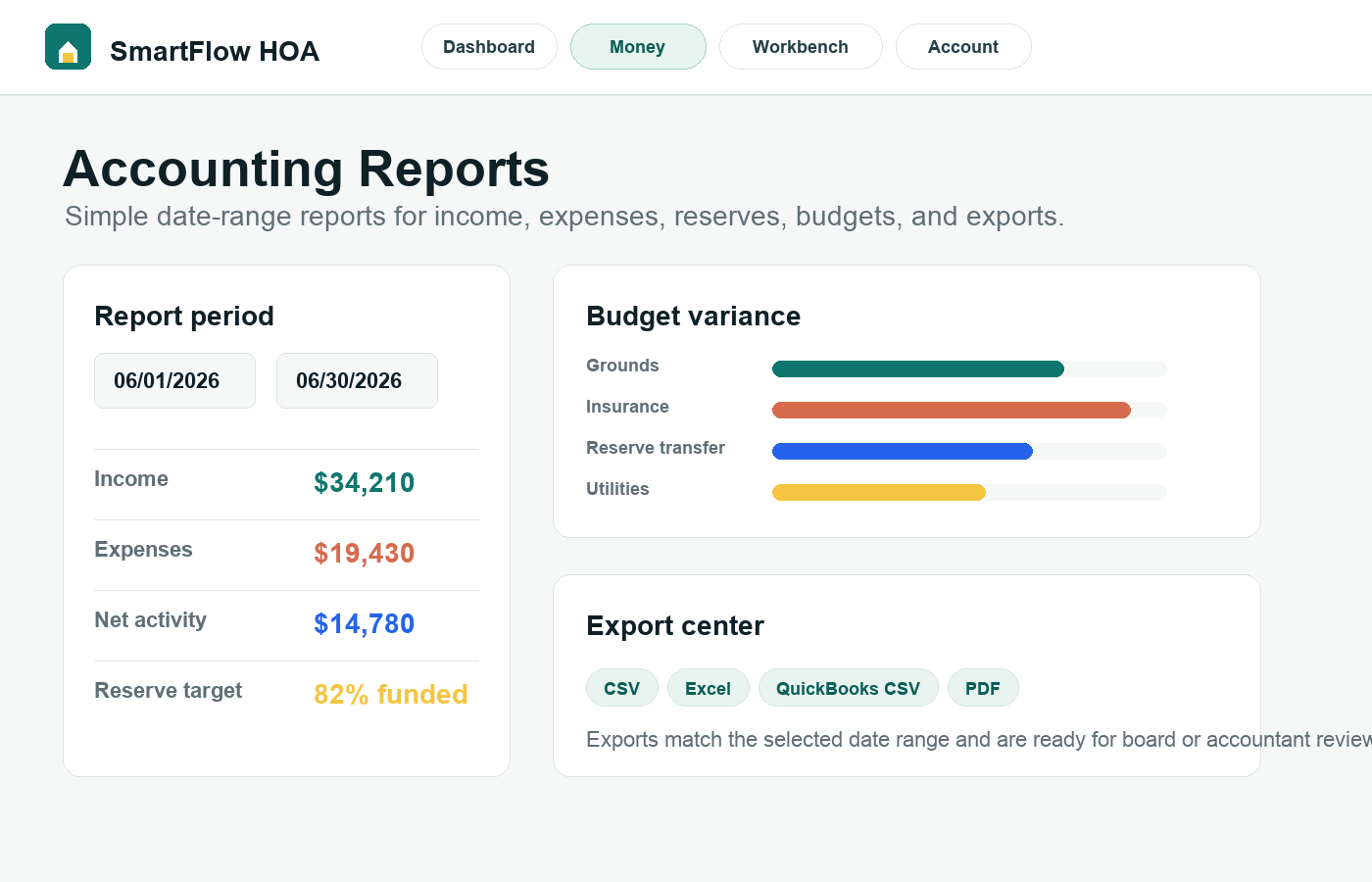 Top section
Accounting Reports
Use the Accounting section to understand the financial picture without turning SmartFlow HOA into complicated accounting software.
Read tutorial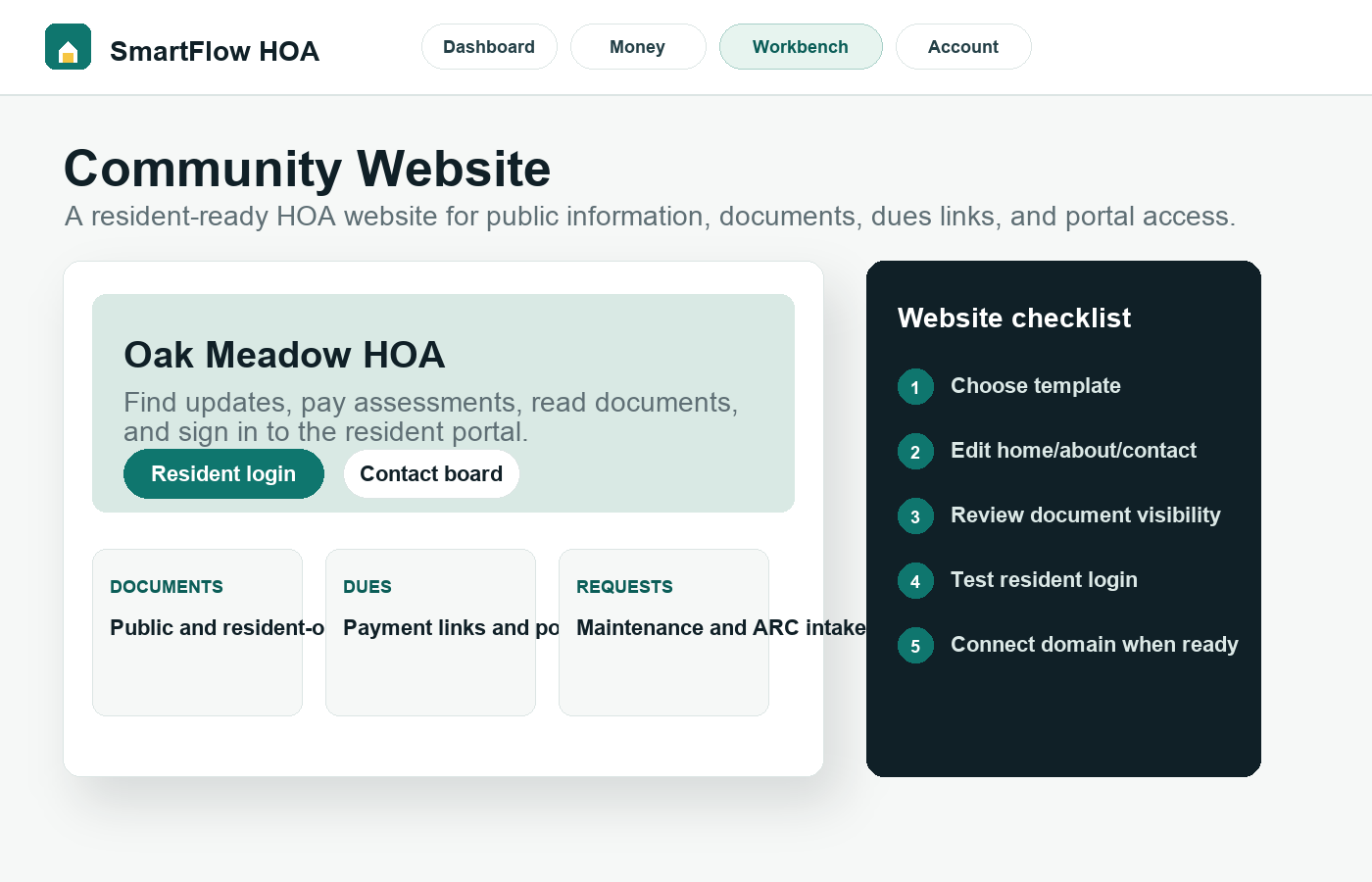 Top section
Community Website
A community website should answer common questions, route residents to the right portal, and reduce the board inbox.
Read tutorial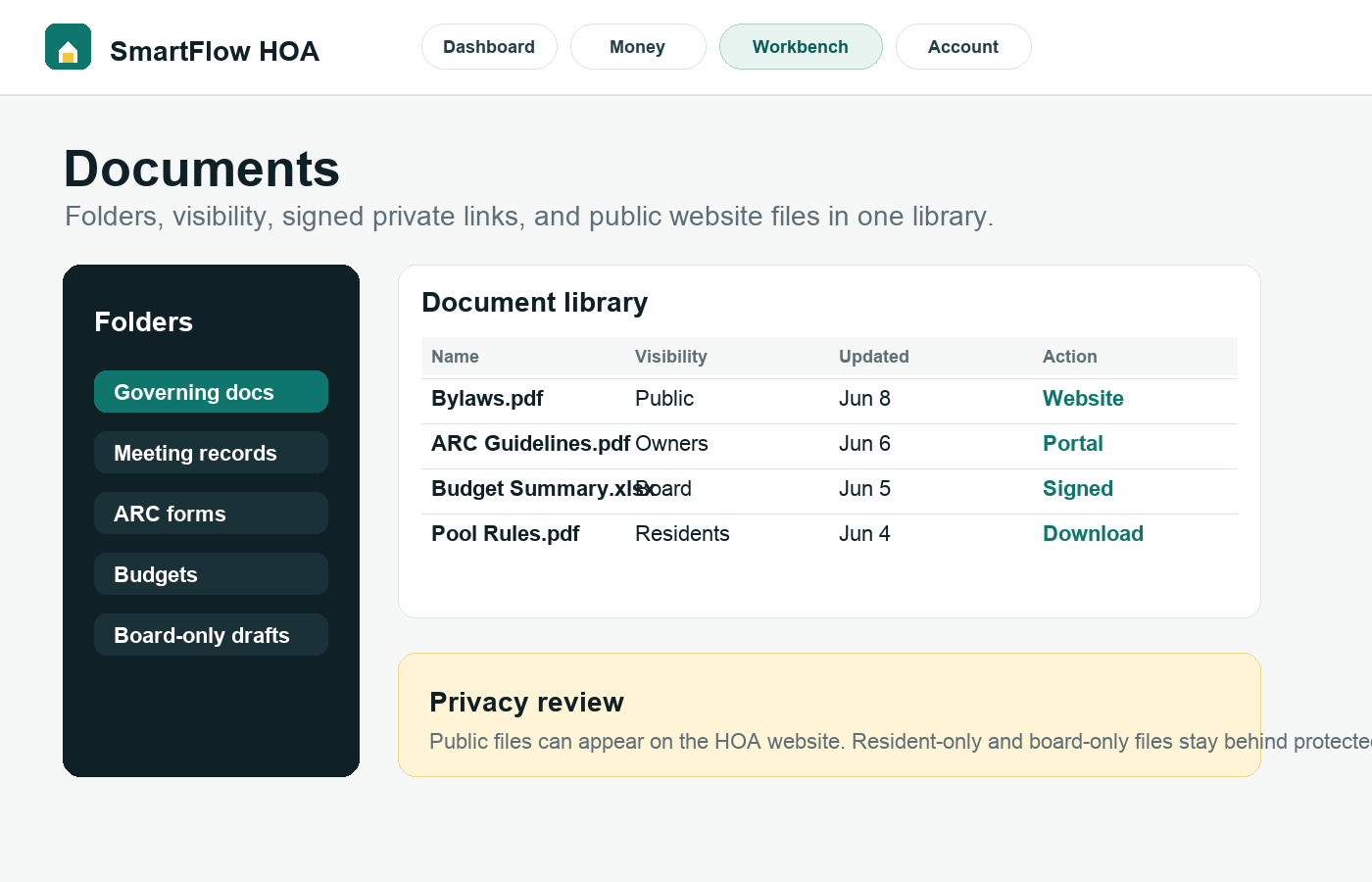 Top section
Documents
Documents are useful only when residents can find the right ones and private board records stay protected.
Read tutorial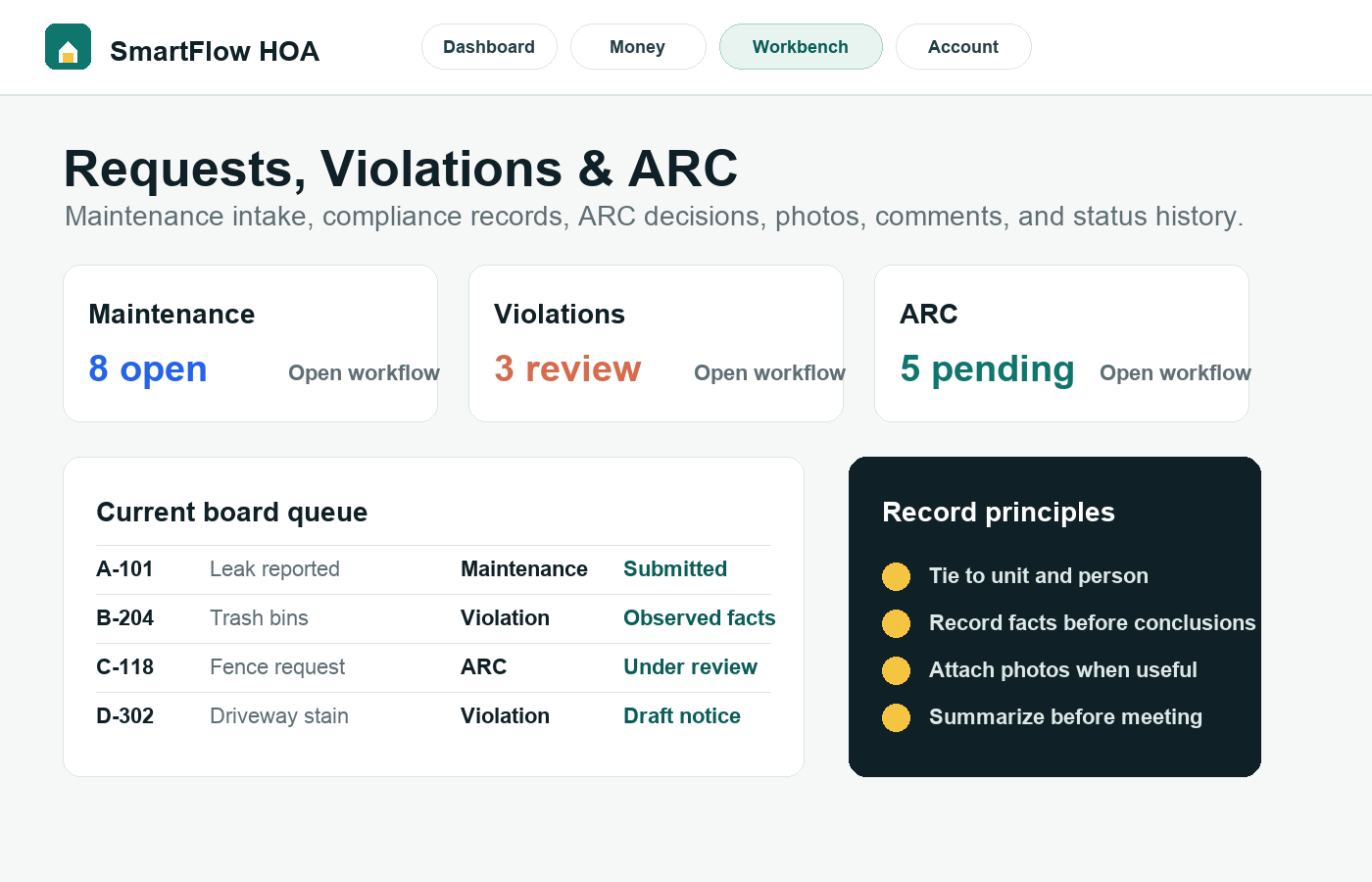 Top section
Requests, Violations & ARC
Move resident follow-up out of inbox threads and into structured records the board can review later.
Read tutorialMost useful tools
Two tools that make the whole workspace easier to use.
SmartFlow AI helps users find, draft, and summarize. Roster import makes the rest of the platform connect correctly.
Most useful tool
SmartFlow AI
SmartFlow AI is most valuable when it helps the board find, summarize, and draft faster while humans approve every official action.
Read tutorial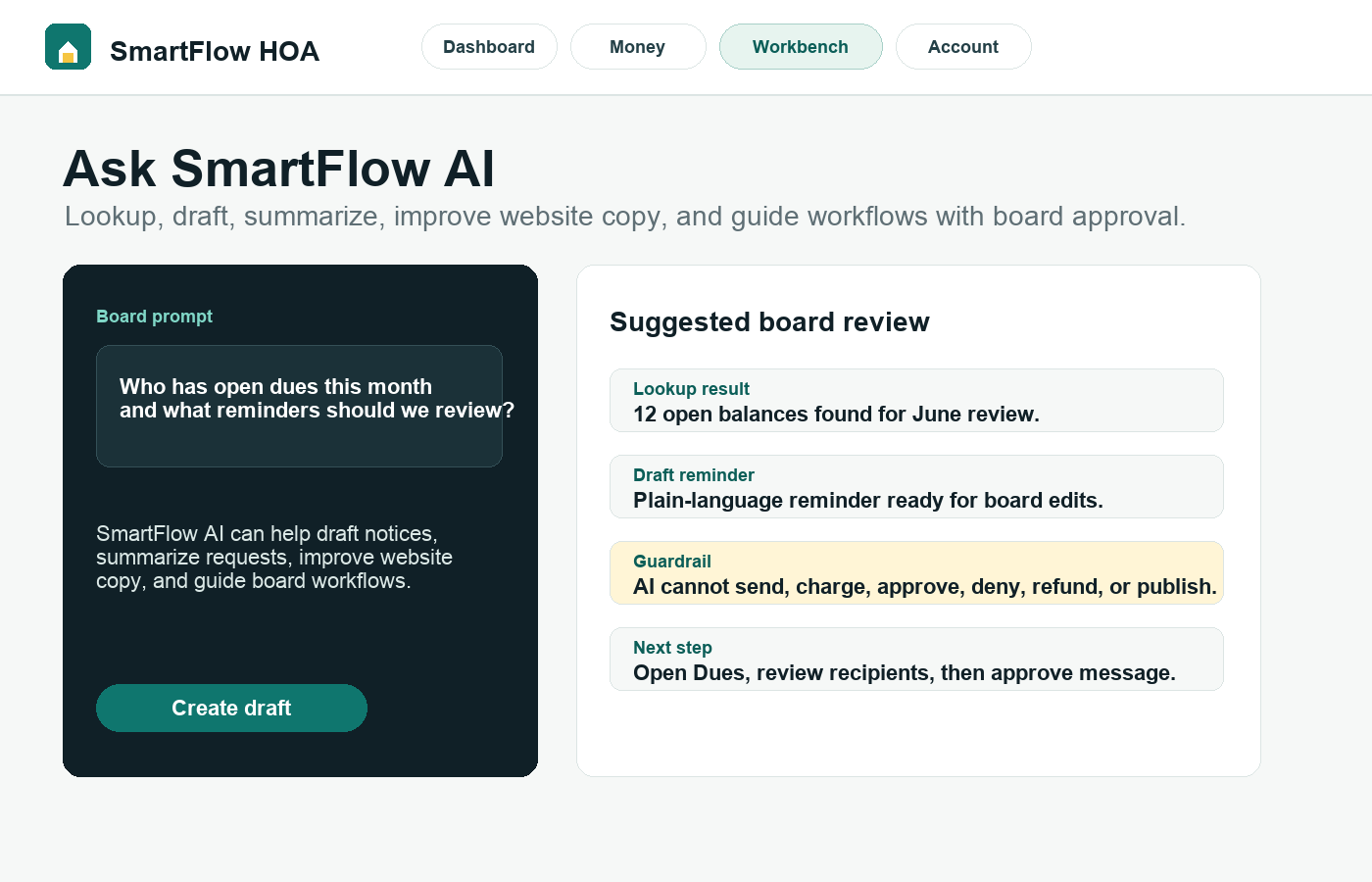
Most useful tool
Roster Import
A clean import is one of the fastest ways to make dues, resident portals, requests, and communications work together.
Read tutorial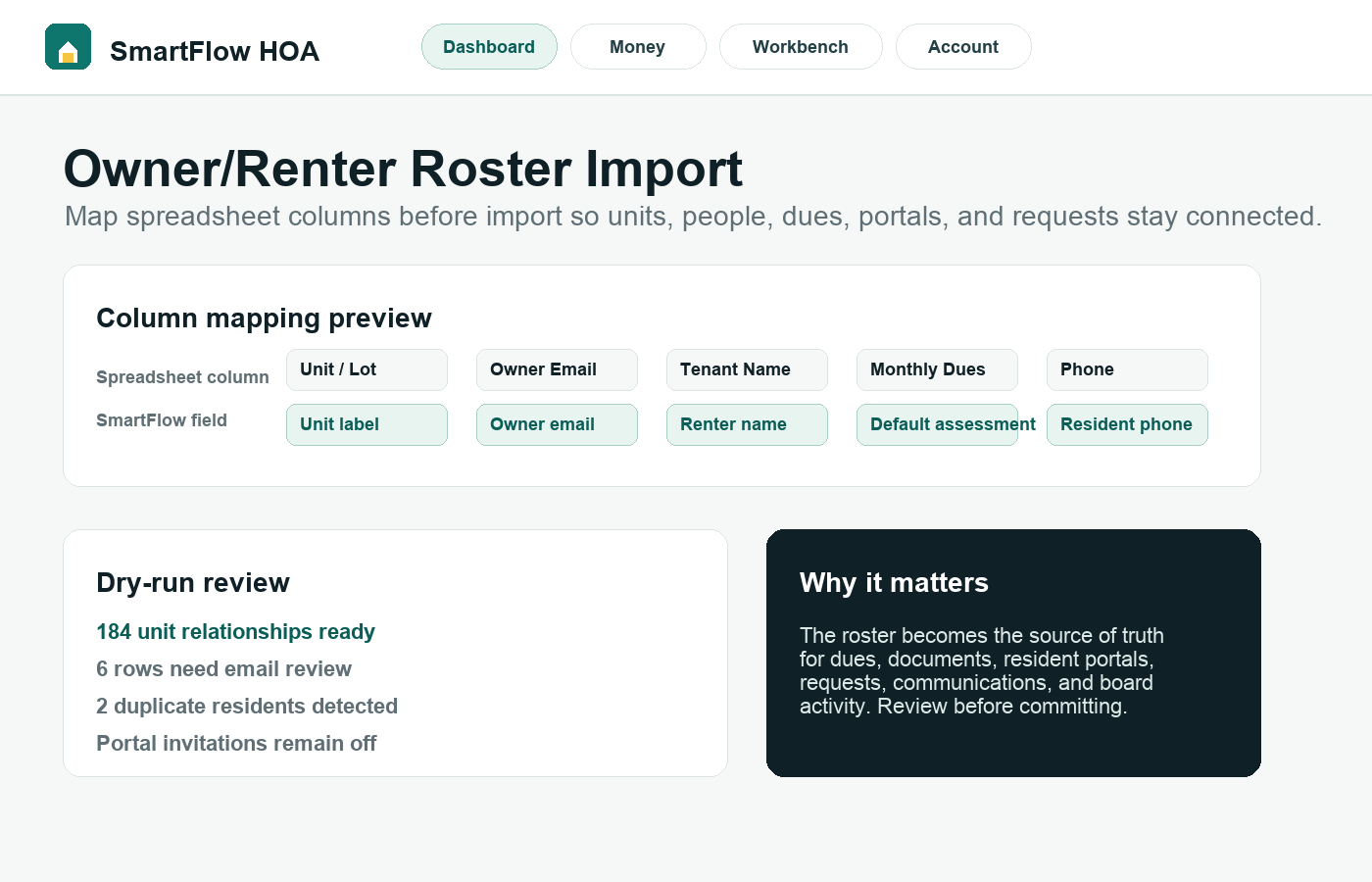
Try it with your HOA
Use the tutorials while building the first workspace.
Start the 30-day trial and follow the guides step by step with your own units, documents, and board workflow.