
Most useful tool
How to use SmartFlow AI for board workflows
SmartFlow AI is most valuable when it helps the board find, summarize, and draft faster while humans approve every official action.
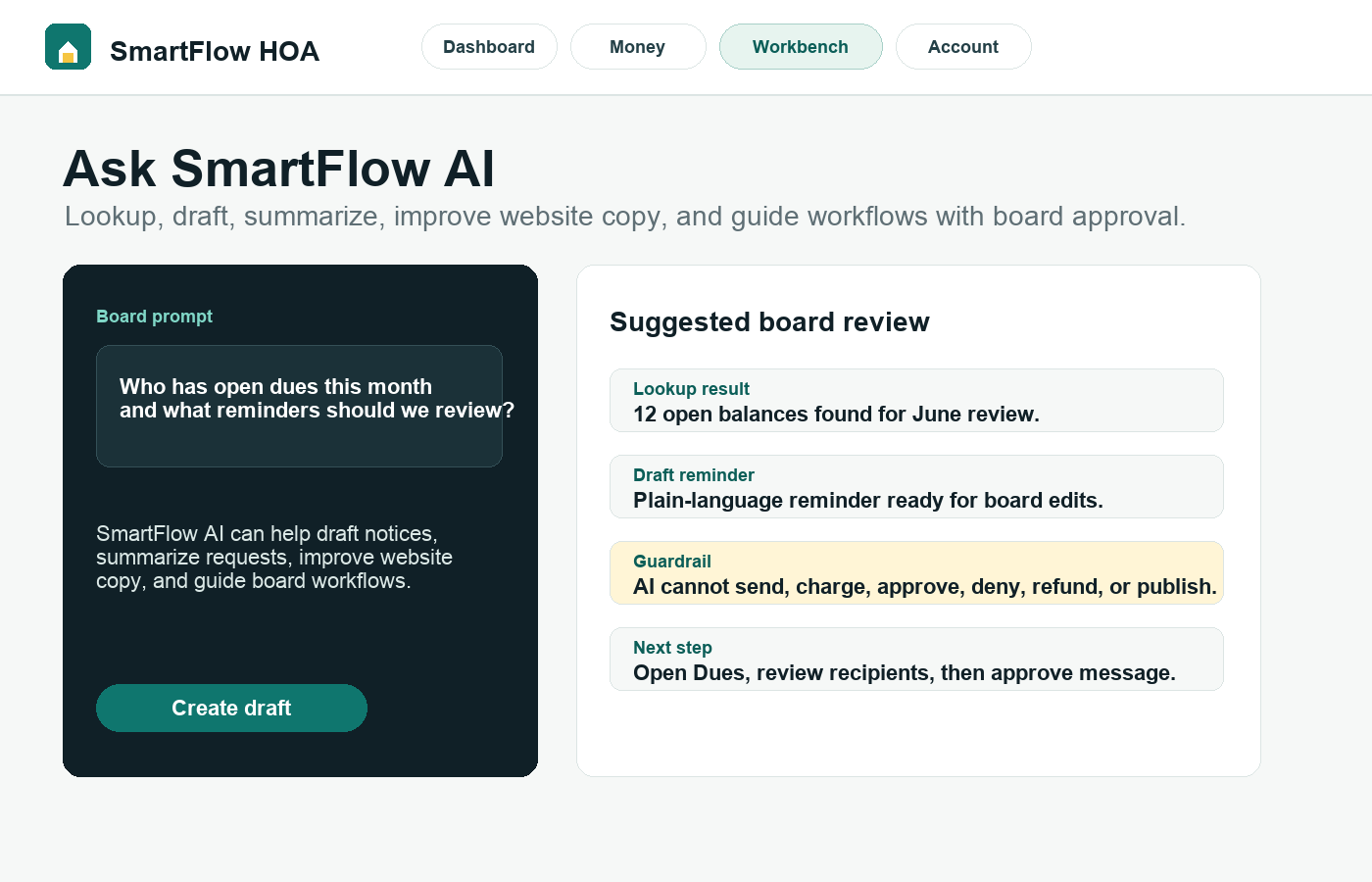
What this helps you do
Expected outcome
- Board members can ask for summaries, drafts, explanations, and workflow guidance.
- AI answers stay scoped to the active HOA workspace.
- Drafts can be copied into official workflows only after board review.
- SmartFlow AI can support navigation by pointing users to the right workspace or manual topic.
Step-by-step tutorial
Follow the workflow in order.
Each step is written for board members who need to understand what to do and why it matters.
Choose the task before typing the prompt
SmartFlow AI works better when the task is clear. Use lookup when you need information, draft when you need first-pass wording, summary when you need meeting preparation, and guidance when you need to know where to go next.
Ask questions with enough HOA context
Instead of asking who owes dues, ask who has open balances this month or what balance is visible for a named resident or unit. Good prompts include names, dates, units, document titles, request types, and the board purpose.
Use AI to reduce blank-page work
Ask SmartFlow AI to draft a dues reminder, summarize an ARC request, clean up website copy, turn meeting notes into an announcement draft, or explain which workspace should be used next.
Keep official actions manual
AI suggestions are drafts. SmartFlow AI cannot publish, send official notices, approve, deny, fine, charge, refund, delete, change billing, or change domains. Board users control those actions.
Use the answer as a starting point, not the record
Copy the useful parts into Communications, Requests, Documents, Website, or board notes only after review. The official record should live in the workflow that owns the action.
Why this workflow sells
SmartFlow AI should feel useful without feeling risky: faster drafts and better navigation, with board approval still in charge.
Related tutorials
Keep the workflow connected.
The best setup path connects records, residents, payments, documents, and board activity instead of treating each task alone.